 Connecticut's Archives Online
 Thanks to CAO’s Stacy Haponik, we now provide the ability to print, view and download a finding aid in CAO.
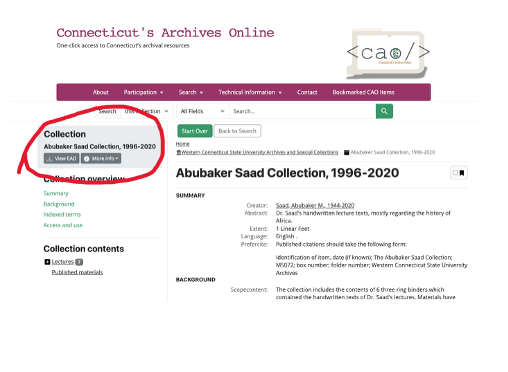
When you click the button, or if you’re from Connecticut “bu’ in,” that says view EAD, you will see:
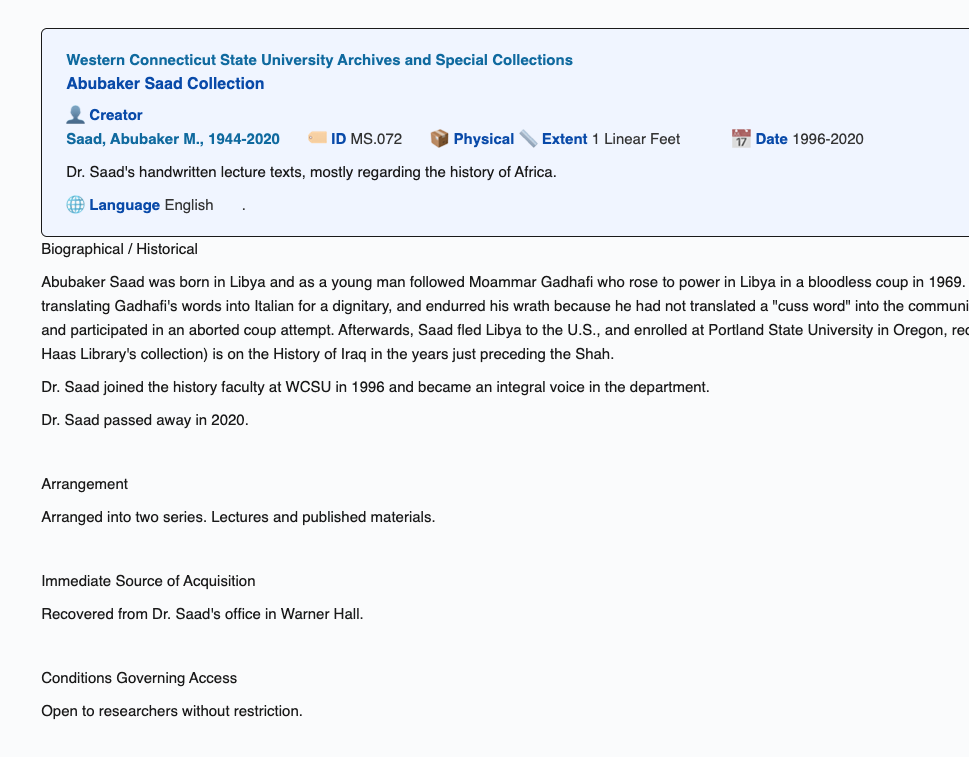
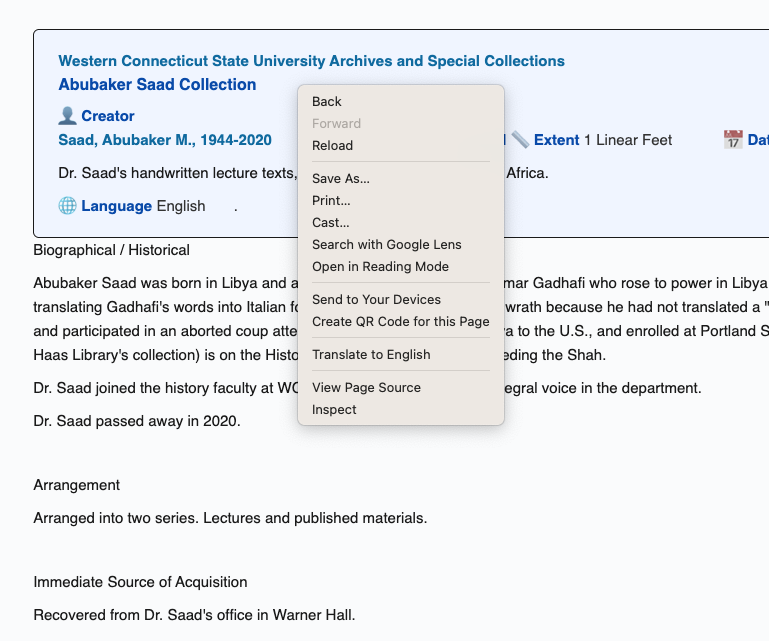
If you want a pdf of that rendering of the finding aid, just right mouse or ctrl click the window and choose print:
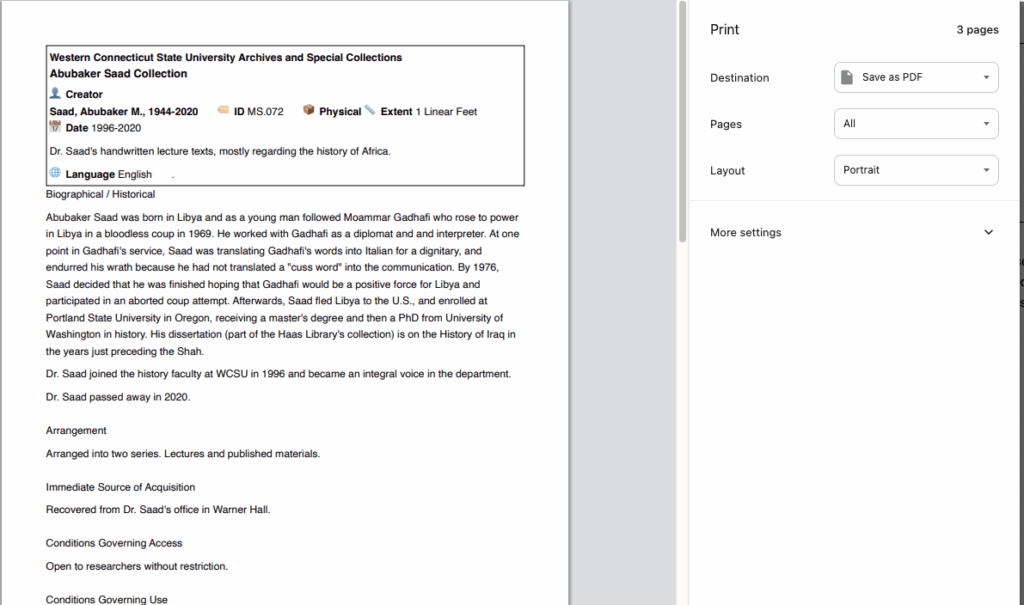
Choose a print destination of Save as PDF…
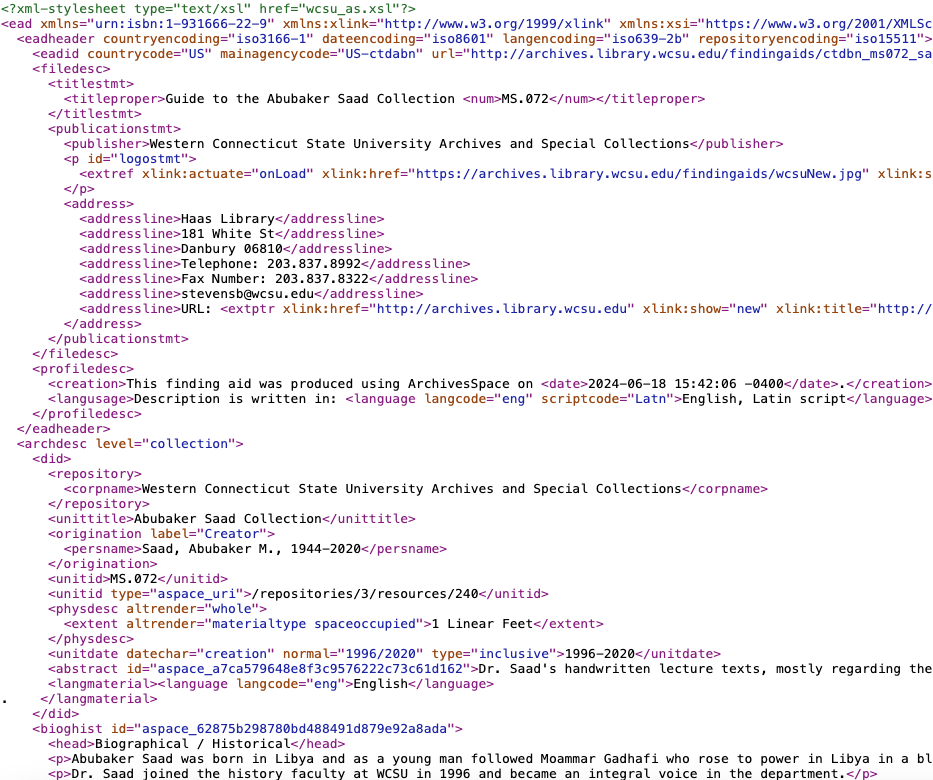
Or if you want the EAD for some reason – again – just right mouse or ctrl click the window and choose “View Page Source”:
And voila, there’s the EAD. You can select all and copy then paste it into a text editor or just right mouse or ctrl click the window and choose “Save as.” Name it something .xml.